PDFs burn your AI limits.
Fix it in one drop.
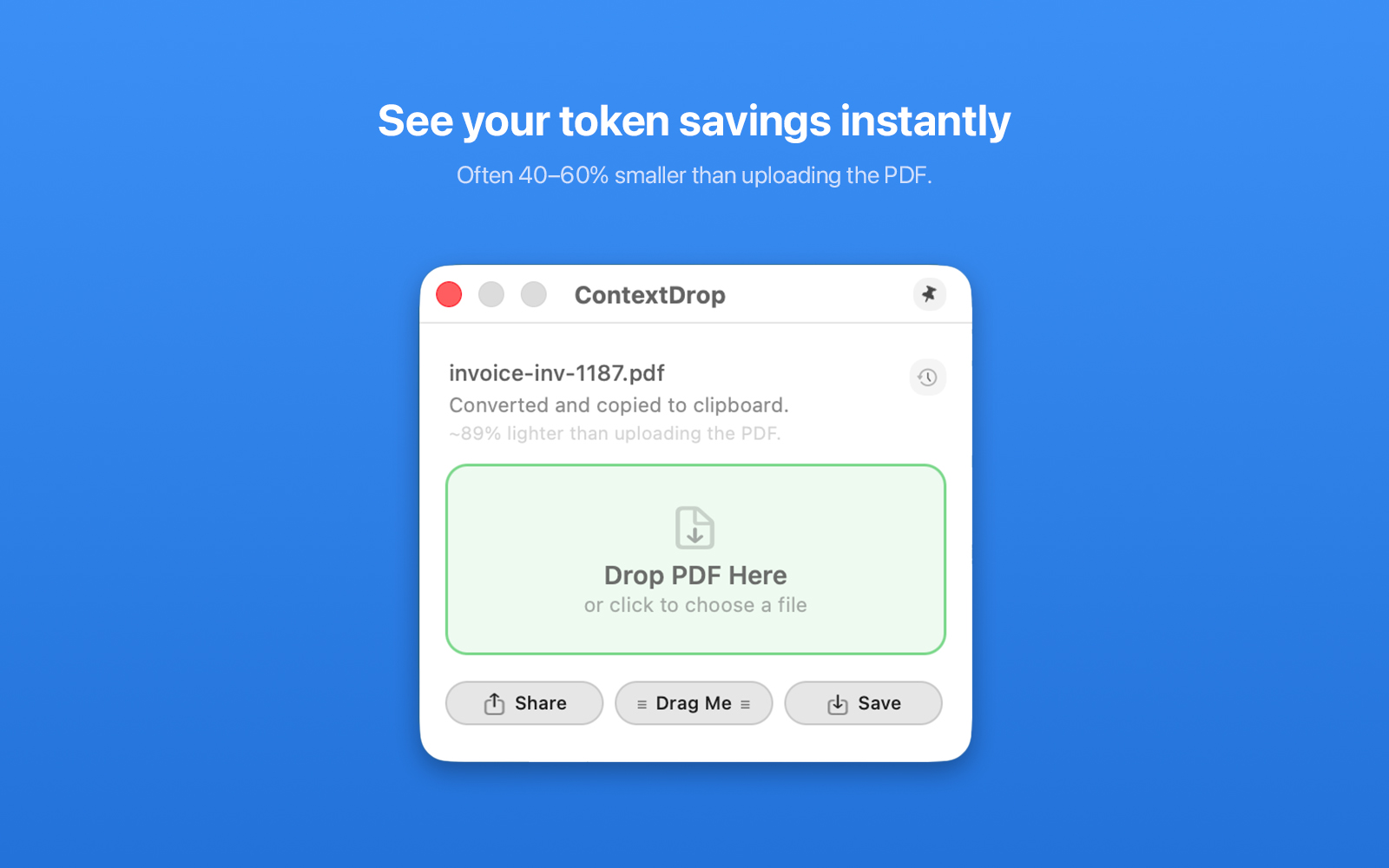
ContextDrop converts PDFs to clean text. Typically 40-60% smaller. So your Claude and ChatGPT allowance lasts longer.
From US$6.99 · One-time purchase, no subscription
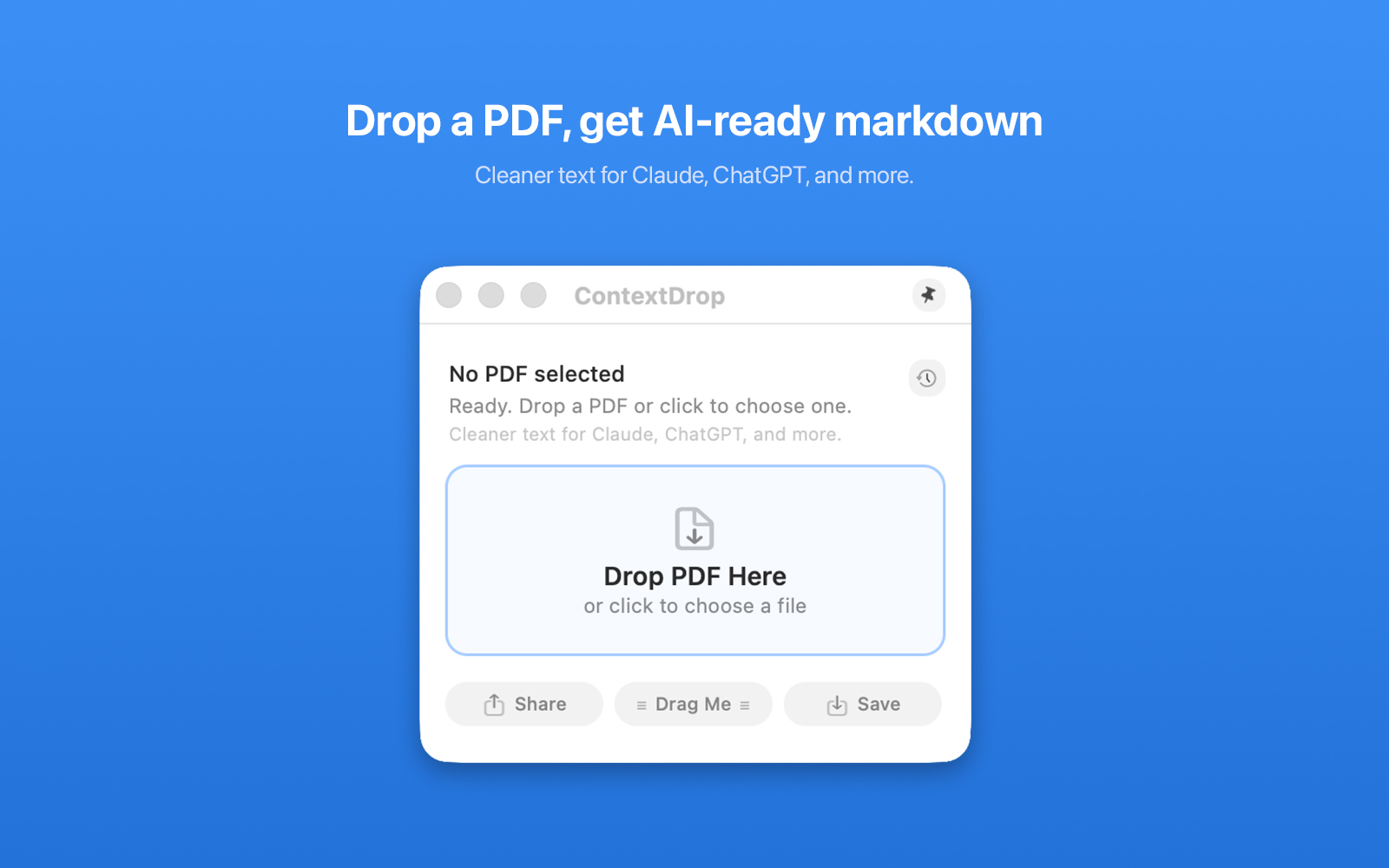
ContextDrop converts PDFs to clean text. Typically 40-60% smaller. So your Claude and ChatGPT allowance lasts longer.
From US$6.99 · One-time purchase, no subscription
Or click the icon to browse. That's it.
Headings, tables, and lists.
Neatly organised.
Paste or drag into any AI tool. Done.
When you upload a PDF, AI tools process the whole thing. Layout, headers, footers, whitespace. Most of that isn't useful.
A 3-page PDF eats into your limits fast.
Layout, headers, whitespace. Mostly noise.
Clean text only.
More room for your actual question.
Most PDFs convert in under a second.
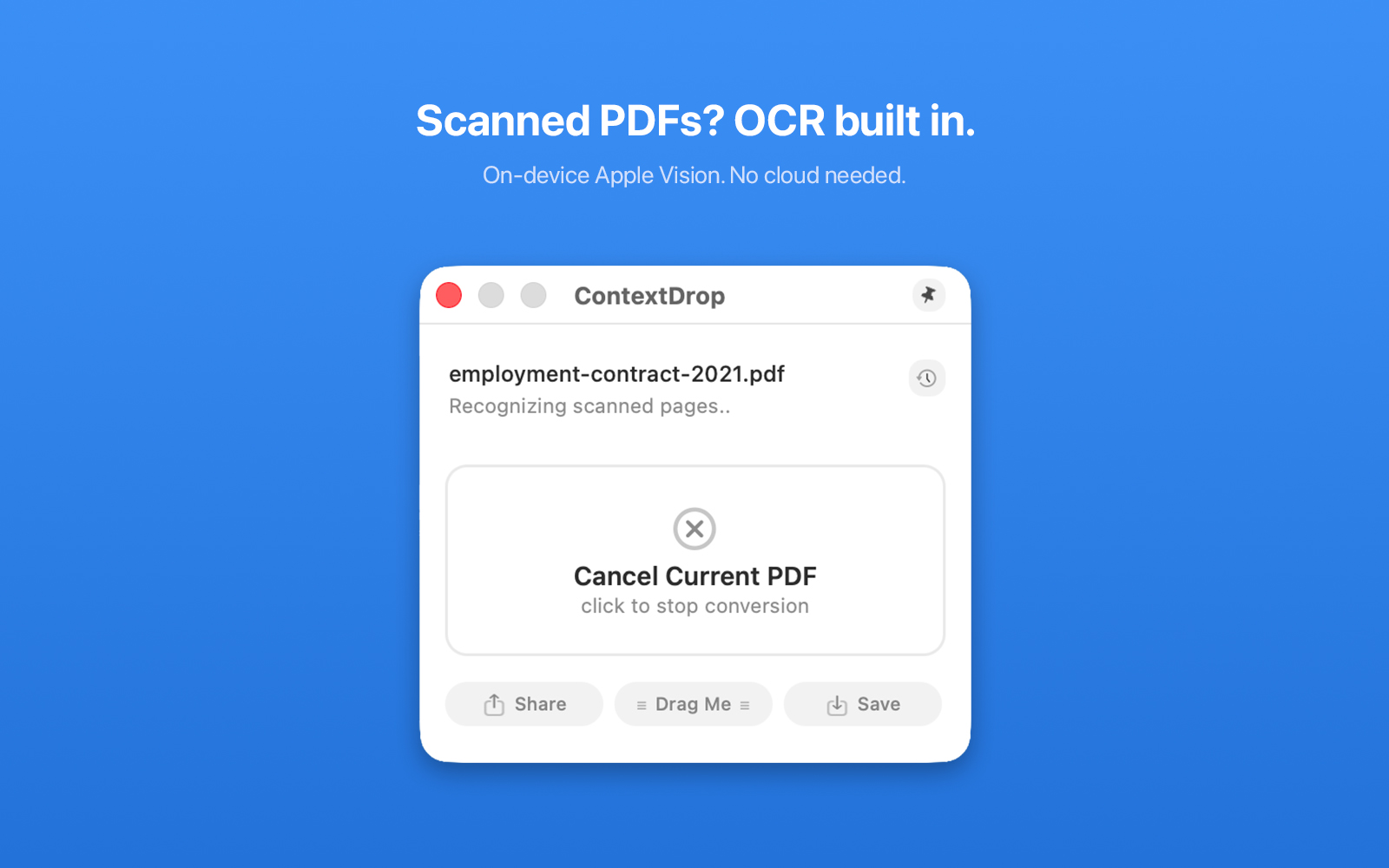
Uses your Mac's built-in text recognition. No internet needed.
Compare file sizes before you paste.
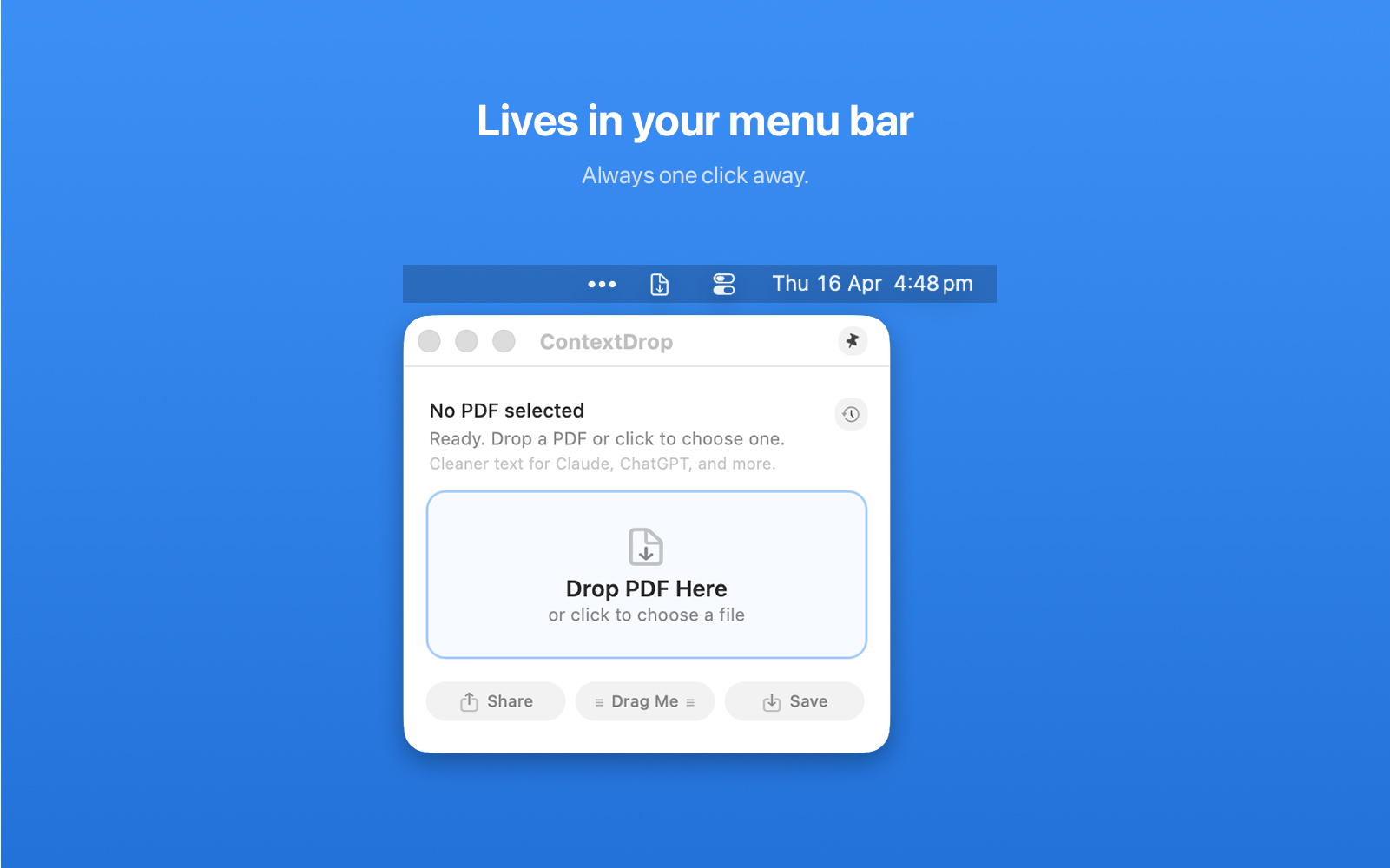
Always one click or one drag away.
No app window to manage.
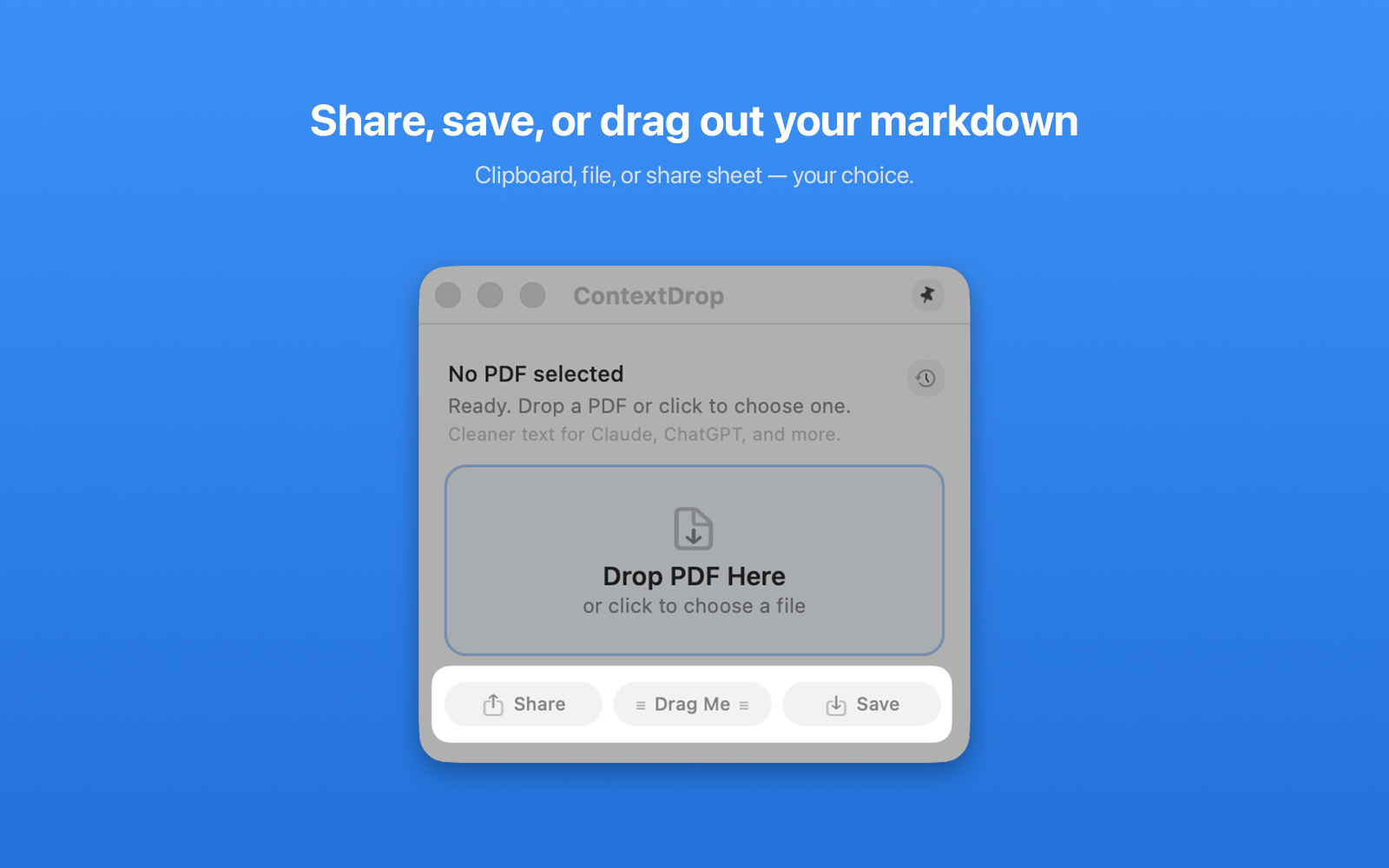
Clipboard, save file, share sheet, or drag out. Your choice.
Everything happens on your Mac. Zero network calls.
Nothing uploaded. Ever.
Drop into any AI tool.
Same app. Same updates. Different stores.
Buy direct
~A$10.49 · ~£5.49 · ~€6.49
Mac App Store
A$12.99 · £7.99 · €8.99
Yes. ContextDrop uses Apple Vision for on-device OCR when it detects image-only pages.
No. All processing happens locally on your Mac. The app makes zero network calls.
Tables are converted to a clean text format that AI tools read natively. Works well for most business documents, forms, and reports.
macOS 14 (Sonoma) or later.
No. One-time purchase. Pay once, use forever.